Onthel Purwodadi Auto Farm Delivery Script
Set up the keyless delivery helper and tune delay for stable Rp farming.
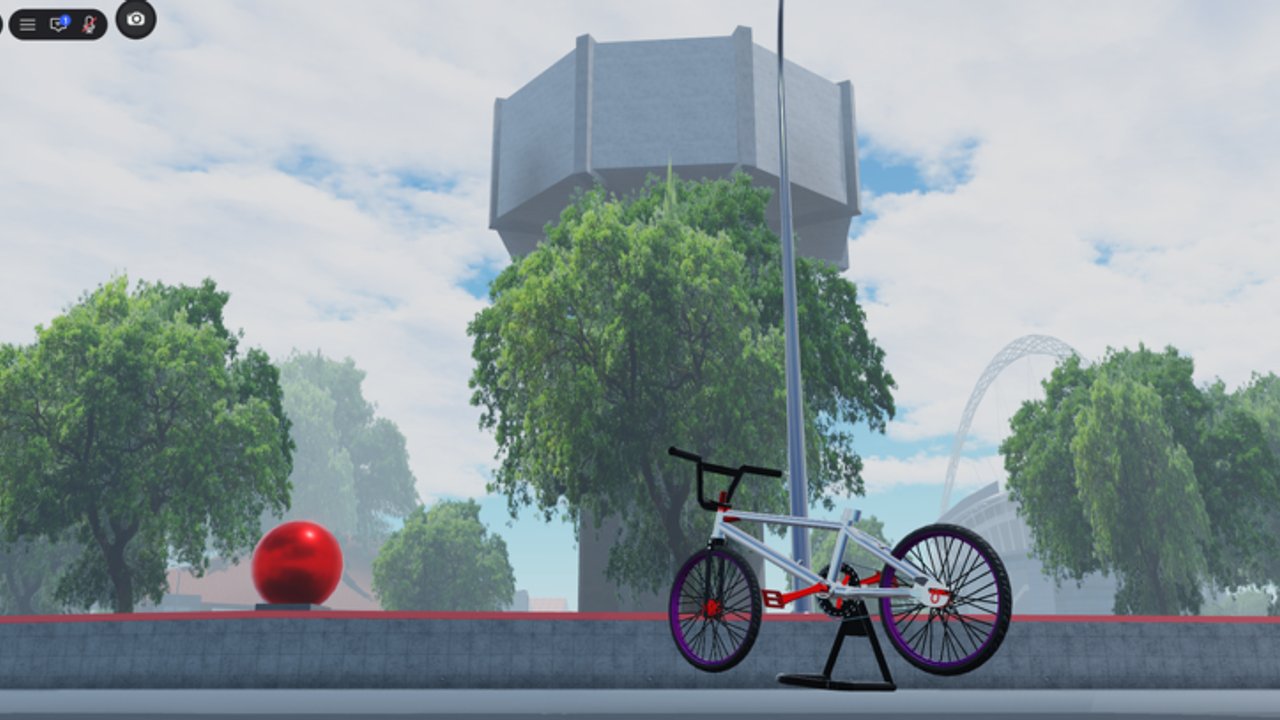
Auto Farm Delivery is the feature Onthel Purwodadi players search for most when the limited bike shop refreshes. Instead of hand-riding every package across Purwodadi, the helper loops pickup → travel → drop-off while Instant Prompt cuts the hold time on interaction markers. This page focuses on setup, GUI options, and fixes when jobs fail mid-route.
Pair this with legitimate tips in the Deliveries guide so you understand the job system even when the script is off.
Loadstring
loadstring(game:HttpGet("https://raw.githubusercontent.com/xmagisk00/Coin-Pusher/refs/heads/main/Helper%20Onthel%20Purwodadi.lua"))()The remote file name may sit inside an unrelated repository folder — that path is expected. Execute only after your character exists in the world.
Setup checklist
- Update your executor for the current Roblox build.
- Join Onthel Purwodadi and wait through streaming.
- Paste the loadstring and press Execute / Run.
- When the GUI opens, enable Auto Farm Delivery.
- Enable Instant Prompt so pickups and drop-offs register faster.
- Leave Update Delay at default for one full job; increase it if the next package never starts.
- Watch one complete cycle before AFK farming overnight.
Some builds bind Left Alt to minimize the GUI — useful when you need to open Shop for codes.
What each toggle does
Auto Farm Delivery
Drives the job loop. Ideal when you already know the map from Map Exploration and simply want Rp for the next frame on the tier list.
Instant Prompt
Delivery interactions use proximity prompts. Holding them manually is fine for casual play but painful at scale. Instant Prompt removes that friction. If prompts stop appearing, disable Instant Prompt briefly to confirm the job marker still exists.
Update Delay
Think of this as a politeness / stability slider. Too low and the script outruns server replication — packages fail, character rubber-bands, or the next job never assigns. Too high and farm speed drops. Raise delay on busy Indonesian peak hours when servers hit the 25-player cap.
Troubleshooting
| Problem | Try this |
|---|---|
| GUI never opens | Executor outdated; reinstall or wait for patch |
| Farm starts then stops | Raise Update Delay; rejoin low-ping server |
| Character stuck | Disable farm, reset character, re-enable |
| No deliveries available | Move near known job hubs; see Deliveries guide |
| Script errors after update | Game patched — wait for helper refresh |
Spending farmed Rp wisely
Auto farm removes the grind but not decision-making. After a session:
- Redeem any new codes you have not claimed.
- Visit dealers with a shopping list from Bike Upgrades.
- Avoid impulse limiteds that feel worse than your current S-tier pick on the Best Bikes page.
- Keep a cash buffer for paint and wheels if you care about flex screenshots.
Risk reminder
Using executors can lead to moderation. Never enter your password into a script UI. Prefer main accounts you can afford to lose if you experiment. Manual Getting Started play remains the safest path.
Related pages
- Scripts Hub — overview and safety
- Deliveries — how jobs work without scripts
- Codes — free Rp stacks
- Updates — patch notes that break helpers
Tune delay, watch one clean loop, then farm with eyes open.
Frequently Asked Questions
Quick answers for Onthel Purwodadi riders.
Does the auto-farm script need a key?
The widely shared helper is keyless. If a site asks you to complete surveys for a key, leave — it is unrelated spam.
Can I use Auto Farm on mobile?
Some mobile executors can run it, but stability varies. PC is usually more reliable for long AFK sessions.
Will Instant Prompt work after a map expansion?
Often yes, but major updates can rename prompts. If Instant Prompt breaks, disable it until the helper is updated.
How much Rp can I earn per hour?
It depends on server lag, delay settings, and job length. Test a timed 15-minute run on your hardware instead of trusting viral claims.