Onthel Purwodadi Controls
PC and mobile inputs so every alley turn feels intentional.
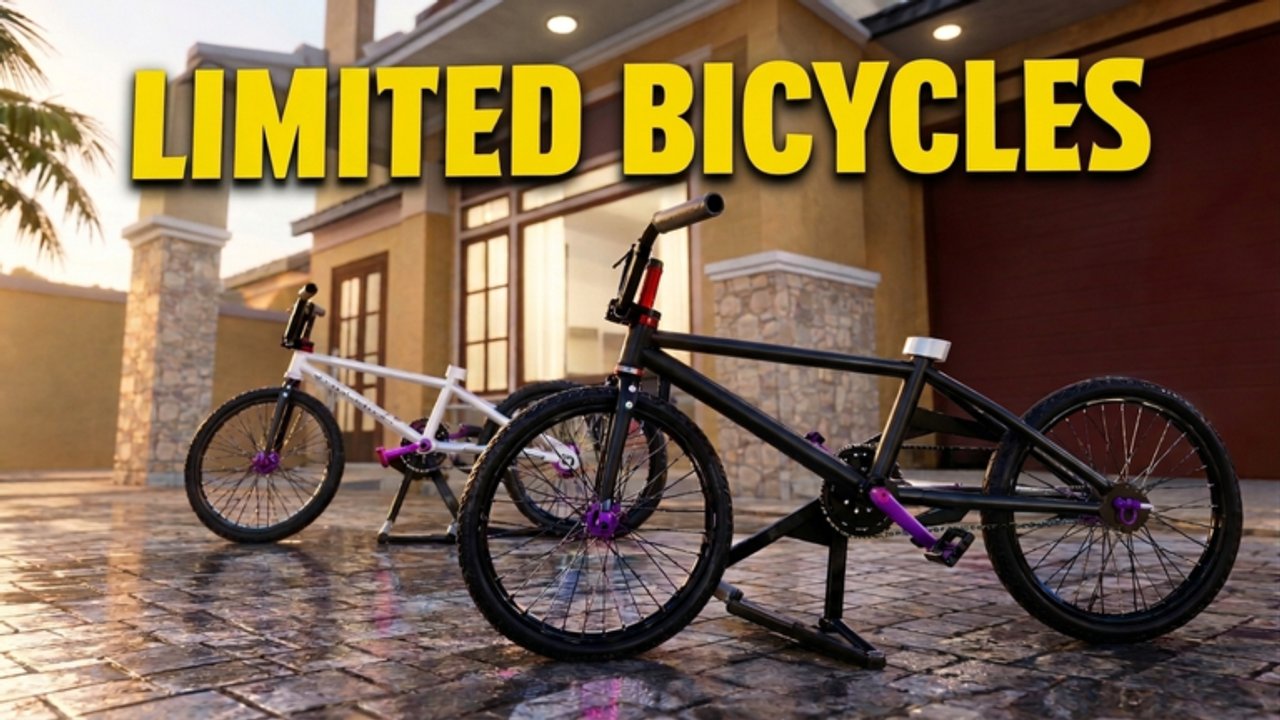
Smooth control is the difference between a relaxing gowes through Purwodadi and a comedy of curb collisions. Onthel Purwodadi supports both PC and mobile, and the same delivery markers feel very different depending on your camera and brake habits. Master these inputs before you chase limited bikes or enable any auto-farm helper.
Core actions every rider needs
| Action | Why it matters |
|---|---|
| Mount / dismount | Enter shops, claim codes, reset bad spawns |
| Steer + lean | Survive alleys and traffic density |
| Brake / slow | Nail delivery prompts without overshooting |
| Camera adjust | Spot job markers and dealer signs early |
| Interact / prompt | Pick up and drop packages |
Exact keybinds can vary with Roblox device settings, but the habits below transfer across layouts.
PC controls habits
On keyboard and mouse (or controller):
- Keep speed modest in alleys. Wide avenues forgive mistakes; gang-gang shortcuts punish greed.
- Brake before prompts. Overshooting a drop-off wastes more time than riding slightly slower.
- Use camera to peek corners instead of committing blindly into intersections.
- Dismount cleanly before opening Shop for codes so UI clicks register.
- Rebind only after a practice lap near spawn — do not rebind mid-delivery.
If your character feels floaty after a Roblox client update, rejoin before blaming the bike. Physics quirks often clear on a fresh server.
Mobile controls habits
Touch riders should:
- Play in landscape for wider steering arcs
- Lower camera sensitivity if the horizon spins during turns
- Practice thumb placement so brake and steer do not fight
- Pause movement before tapping Instant Prompt style interactions
- Expect more input noise on crowded 25-player servers
Mobile is fully supported by the game’s feature list, but dense Indonesian neighborhoods are easier once you memorize routes from the Map Exploration guide.
Delivery prompt technique
Most frustration tagged as “controls” is actually prompt timing:
- Approach the marker slowly.
- Stop inside the prompt radius.
- Hold or tap interact until the package registers.
- Confirm the next waypoint before sprinting off.
Helpers with Instant Prompt (see Scripts) remove hold time, which is why scripted farms feel “easier” — they skip a skill you can learn manually in a few jobs. The Deliveries guide expands on route flow.
Camera and day-night cycle
Onthel Purwodadi shifts lighting across the day. At dusk and night:
- Raise brightness in Roblox settings if alleys disappear
- Rely more on minimap / markers than silhouette memory
- Slow down near unfamiliar landmarks after map expansions
Good camera work also helps when scouting dealers before spending code Rp on upgrades (Bike Upgrades).
Practice drills (10 minutes)
- Figure-eight near spawn without hitting props.
- Emergency brake from mid speed to a full stop on a marker.
- Mount, open Shop, close Shop, remount — UI fluency drill.
- Complete one delivery using only landmarks, not panic sprinting.
- Ride the same loop once by day and once at night.
Finish these drills before evaluating whether a bike is “bad.” Many S-tier frames on the Best Bikes Tier List feel terrible in unpracticed hands.
Accessibility and comfort
- Take breaks; long sessions amplify steering fatigue.
- If motion discomfort hits, raise FOV carefully or take a short walk break.
- Play with friends for social pacing — see Players for community context.
Related pages
Control the bike, then the map — Purwodadi opens up once inputs feel boring in the best way.
Frequently Asked Questions
Quick answers for Onthel Purwodadi riders.
Does Onthel Purwodadi support mobile controls?
Yes. The official feature list calls out PC and mobile. Landscape mode and lower sensitivity help a lot.
Why do I keep missing delivery prompts?
You are usually still moving. Brake inside the radius, then interact. Instant Prompt scripts skip the hold but teach fewer skills.
Should I change keybinds immediately?
Practice defaults for a lap first. Rebind only to fix a specific discomfort, then re-test on a short delivery.
Do different bikes change controls?
Handling weight and speed differ by frame. Learn inputs on a starter bike before judging limiteds on the tier list.