Onthel Purwodadi Getting Started Guide
Your first hour in Purwodadi — from spawn to a funded upgrade plan.
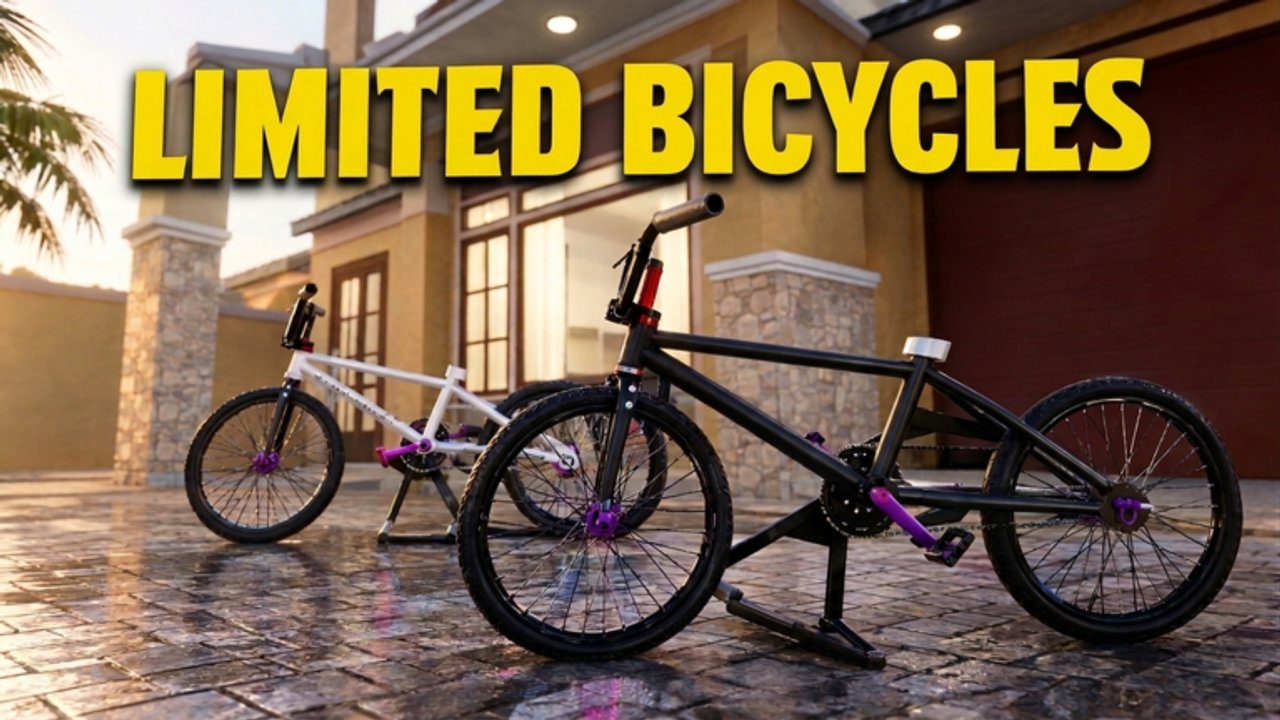
Onthel Purwodadi drops you into a lively Roblox recreation of Purwodadi with bikes, deliveries, dealers, and a day-night cycle. The first hour feels chaotic if you chase every limited you see in chat. This beginner guide slows things down: orient at spawn, claim free currency, learn movement, run a few jobs, then spend with intent.
Before you press Play
- Confirm you are opening the experience by unwri79w — title variants may include mini-update tags.
- Play on a stable connection; busy peak hours fill 25-player servers quickly.
- Keep this wiki open for the Codes Hub so you can paste rewards immediately.
Minute 0–5: spawn and starter bike
After loading, look around for the default onthel / starter bicycle. Mount it and take a short lap near spawn so camera and steering feel familiar. If controls fight you, pause and skim the Controls guide before longer rides.
Goals for these minutes:
- Confirm you can mount, dismount, and brake without panic.
- Find the Shop button used for codes.
- Note a landmark (dealer sign, plaza, or distinctive building) so you can navigate home.
Minute 5–15: redeem every active code
Free Rp changes the early game completely. Open Shop → Codes and redeem the active list from the Codes Hub. Use the detailed clicks in How to Redeem Codes if the UI is unfamiliar.
Do not buy the most expensive limited in chat the second cash appears. Park the windfall mentally: half for a solid mid bike, half for mods or savings.
Minute 15–35: first delivery loop
Delivery jobs teach the map faster than free roaming. Accept a nearby package, follow the marker, and complete the drop-off. Repeat three to five times. The Deliveries guide explains pacing, failed prompts, and how optional auto-farm scripts relate to the same loop.
While riding, notice:
- Which roads are wide enough for confident speed
- Where alleys cut time versus where they cause crashes
- How lighting changes as the day-night cycle shifts
Minute 35–55: visit a dealer with a plan
Open the Best Bikes Tier List and pick a realistic target. Walk into the dealer / showroom area described in Bike Upgrades. Compare handling fantasies with your delivery experience: a flashy limited that feels heavy may slow your farm.
Upgrade priority for beginners:
- Reliable frame you enjoy steering
- Basic visibility cosmetics (so friends recognize you)
- Situational limiteds only after you know the map
Minute 55–60: set goals for session two
End the first hour by bookmarking:
- Map Exploration for landmark hunting
- Updates for patch context
- Scripts Hub only if you accept executor risk
- Players for creator and community context
Invite a friend for a chill gowes — Onthel Purwodadi shines as a social ride, not only a solo farm.
Common beginner mistakes
| Mistake | Better approach |
|---|---|
| Skipping codes | Redeem first every session |
| Buying every limited | Rank with the tier list |
| Ignoring controls | Practice near spawn |
| AFK scripting on day one | Learn jobs manually first |
| Riding without landmarks | Note dealers and plazas |
What “done” looks like after day one
You can redeem codes without hunting menus, finish a delivery without crashing every corner, know where at least one dealer sits, and have a written (or mental) bike goal. That foundation makes every later guide — upgrades, map, scripts — click faster.
Related pages
Take it slow, gowes often, and let Purwodadi reveal itself one neighborhood at a time.
Frequently Asked Questions
Quick answers for Onthel Purwodadi riders.
Is Onthel Purwodadi free to play?
Yes. It is a free Roblox experience. Optional Game Passes and Robux purchases may exist, but codes and deliveries fund plenty of progress.
How long is a good first session?
About an hour: codes, controls practice, a few deliveries, and one planned dealer visit.
Should beginners use scripts immediately?
Learn the manual delivery loop first. Scripts can hide UI knowledge you need when helpers break after patches.
Where do I buy bikes?
Look for dealer / showroom areas on the map. The Bike Upgrades guide explains what to buy and when.