How to Redeem Onthel Purwodadi Codes
Shop → Codes → Redeem without typos or wasted attempts.
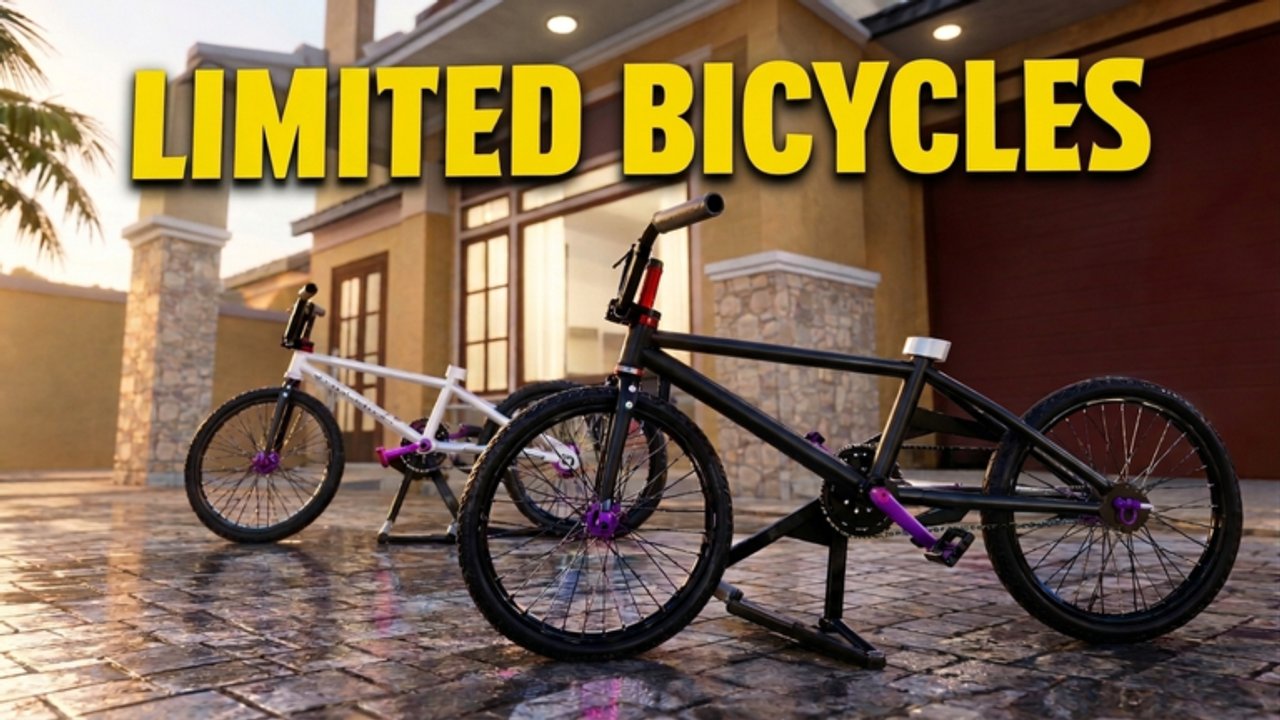
Redeeming Onthel Purwodadi codes takes under a minute once you know where the Shop button lives. Most failed attempts come from wrong casing, redeeming twice, or opening the wrong menu while still loading into the server. This guide walks through the exact flow for PC and mobile, then covers the error messages players see most often.
Before you start, open the Codes Hub in another tab so you can copy active strings such as GAGALUPDATE, Hirez, massiveupdate, and DELAYROBLOXNYANGAJAKBERANTEM without retyping long Indonesian phrases.
Step-by-step redemption
- Launch Onthel Purwodadi from the official Roblox page and wait until your avatar fully appears in Purwodadi. Redeeming while the map is still streaming can hide UI buttons.
- Look at the top of the screen for the Shop button (often top-left on common layouts).
- Inside Shop, open the Codes / CODES panel.
- Click the text field labeled something like Enter code here.
- Paste the code exactly — including capital letters. Prefer paste over typing for long codes.
- Press Redeem / REDEEM and wait for the success toast. Your Rp or RP balance should rise immediately.
- Repeat for every active code on the Codes Hub, then leave Shop and continue riding.
PC tips
- Use
Ctrl+Vto paste after copying from this wiki. - If the cursor never appears in the box, click once more or briefly open another Shop tab and return.
- Full-screen Roblox sometimes clips the top bar — exit full screen if Shop is missing.
Mobile tips
- Rotate to landscape if the Codes button sits under the Roblox system bar.
- After pasting, dismiss the keyboard so Redeem is tappable.
- On low-end devices, wait an extra few seconds after joining before opening Shop.
Common errors and fixes
| Message / symptom | Likely cause | Fix |
|---|---|---|
| Invalid / wrong code | Typo or bad casing | Re-copy from Codes |
| Already redeemed | One-time code used | Skip; try the next code |
| Expired | Timed promo ended | Check Updates and wait for new drops |
| Nothing happens | UI lag | Rejoin server, then redeem again |
| Cannot find Shop | Still loading / UI scale | Wait, or reset character |
After a successful redeem
Check your cash, then decide whether to buy a frame, cosmetics, or save for a limited. The Bike Upgrades guide explains dealer vs. mod-shop spending. If you are brand new, finish Getting Started so you know where dealers sit on the map.
Players who farm deliveries after redeeming codes climb faster because free Rp multiplies with job payouts. See Deliveries for route habits that do not waste the windfall.
Safety notes
- Never enter codes on unofficial “free Robux” sites. Only redeem inside Onthel Purwodadi.
- This wiki never asks for your Roblox password.
- If someone DMs a “code website,” ignore it — phishing is common around viral Indonesian Roblox games.
Related pages
- Codes Hub — active and expired lists
- Getting Started — first-session checklist
- Updates Hub — why new codes appear
- Scripts Hub — optional helpers after you have cash
Redeem carefully, spend with a plan, and keep this page bookmarked for the next code wave.
Frequently Asked Questions
Quick answers for Onthel Purwodadi riders.
Where is the Codes button in Onthel Purwodadi?
Open the Shop button near the top of the screen, then choose Codes. If Shop is missing, wait for full load or rejoin.
Are codes case-sensitive?
Yes. `Hirez` and `hirez` are not the same. Always paste from the Codes Hub.
Can I redeem the same code on two accounts?
Each Roblox account usually redeems a code once. Alts need their own redeem attempt if the code is still active.
What should I buy first with code money?
A reliable mid-tier bike and basic mods. Compare options on the Best Bikes Tier List before chasing every limited.